See your next cut take shape.
Free CNC software for Mac. Draw your design, plan toolpaths, and preview the cut in one app.
Free to download. Free to use.
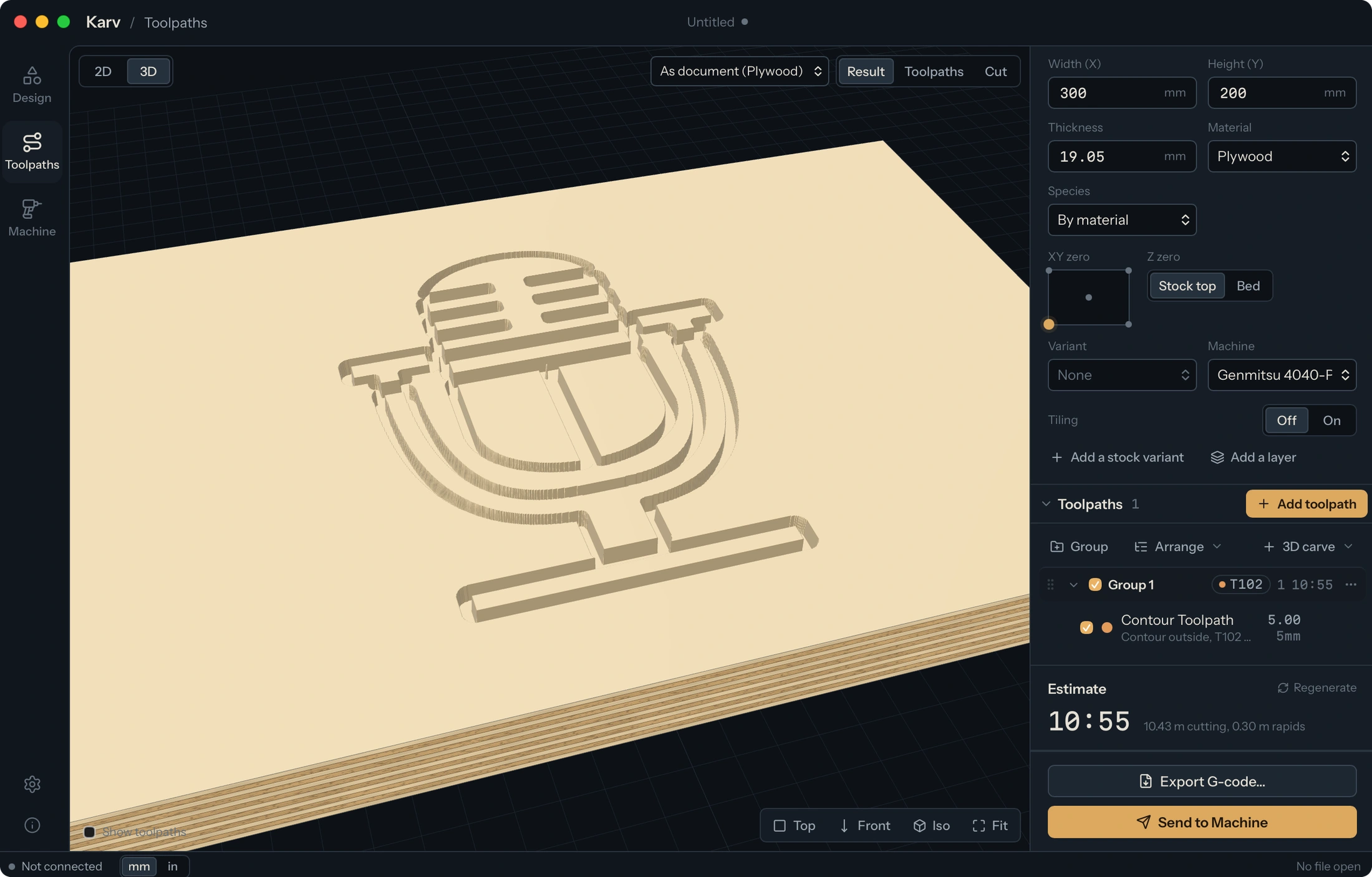
Play through the toolpaths and inspect the simulated cut in 3D.

Your project stays with you.
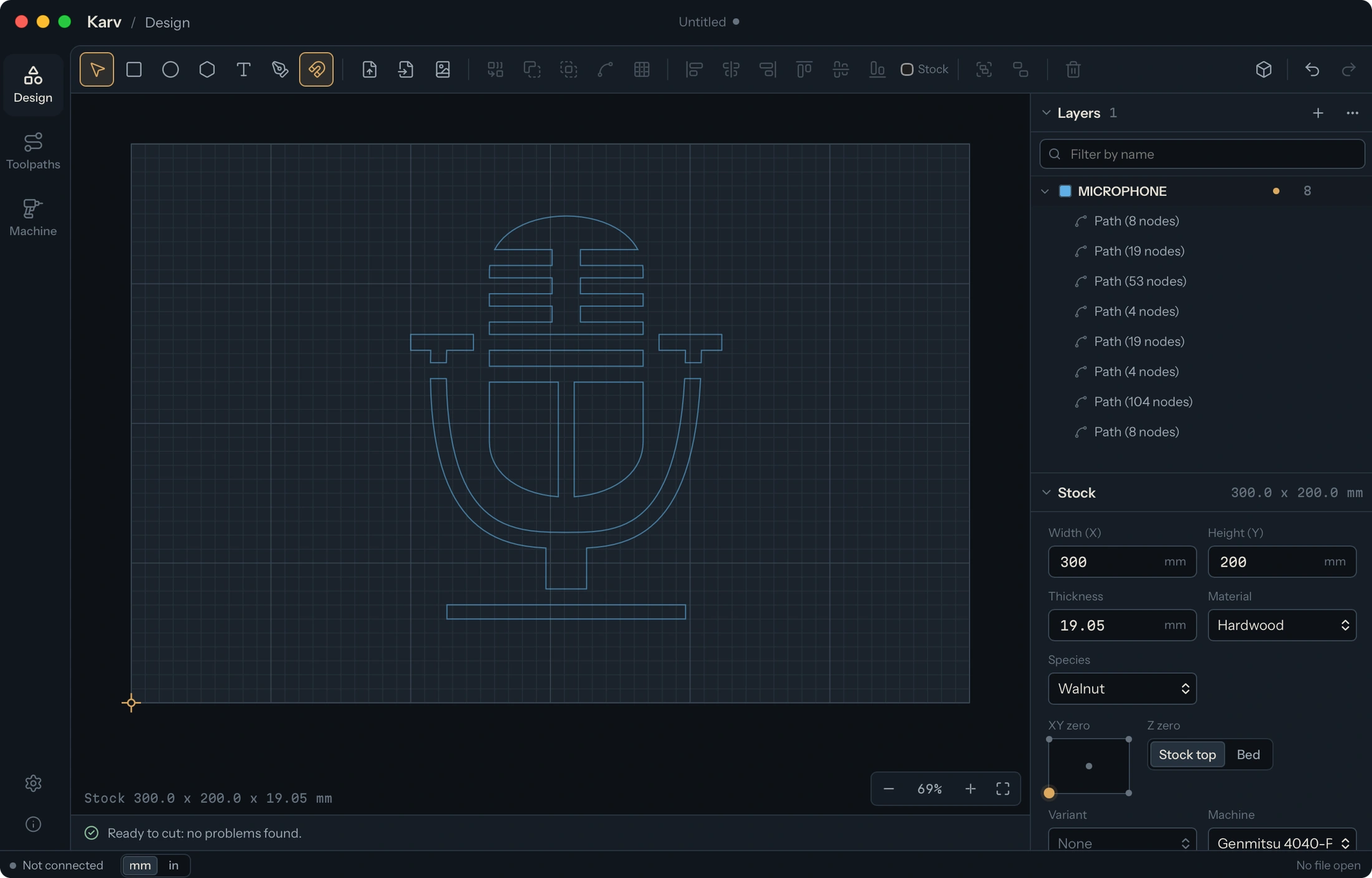
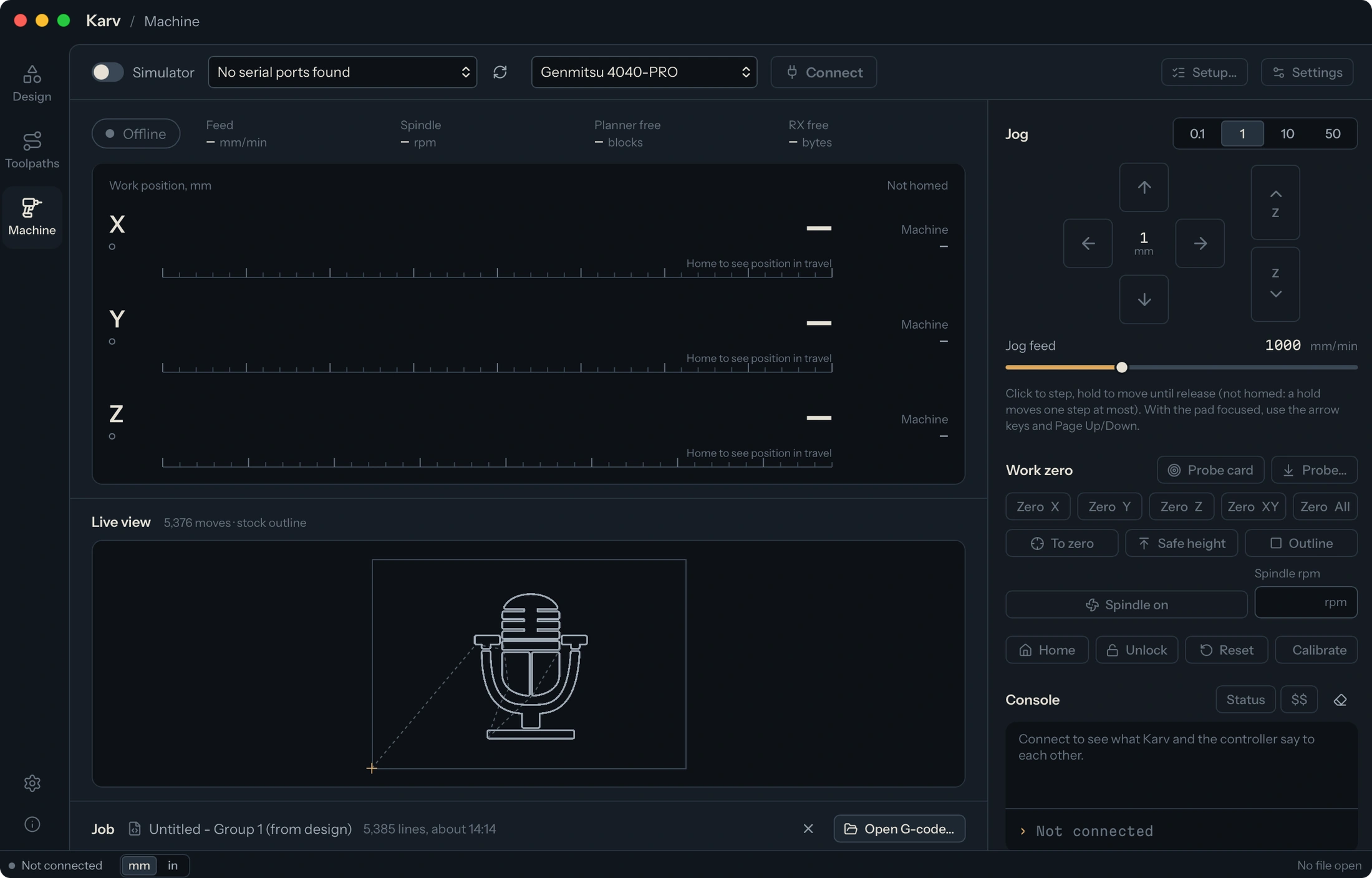
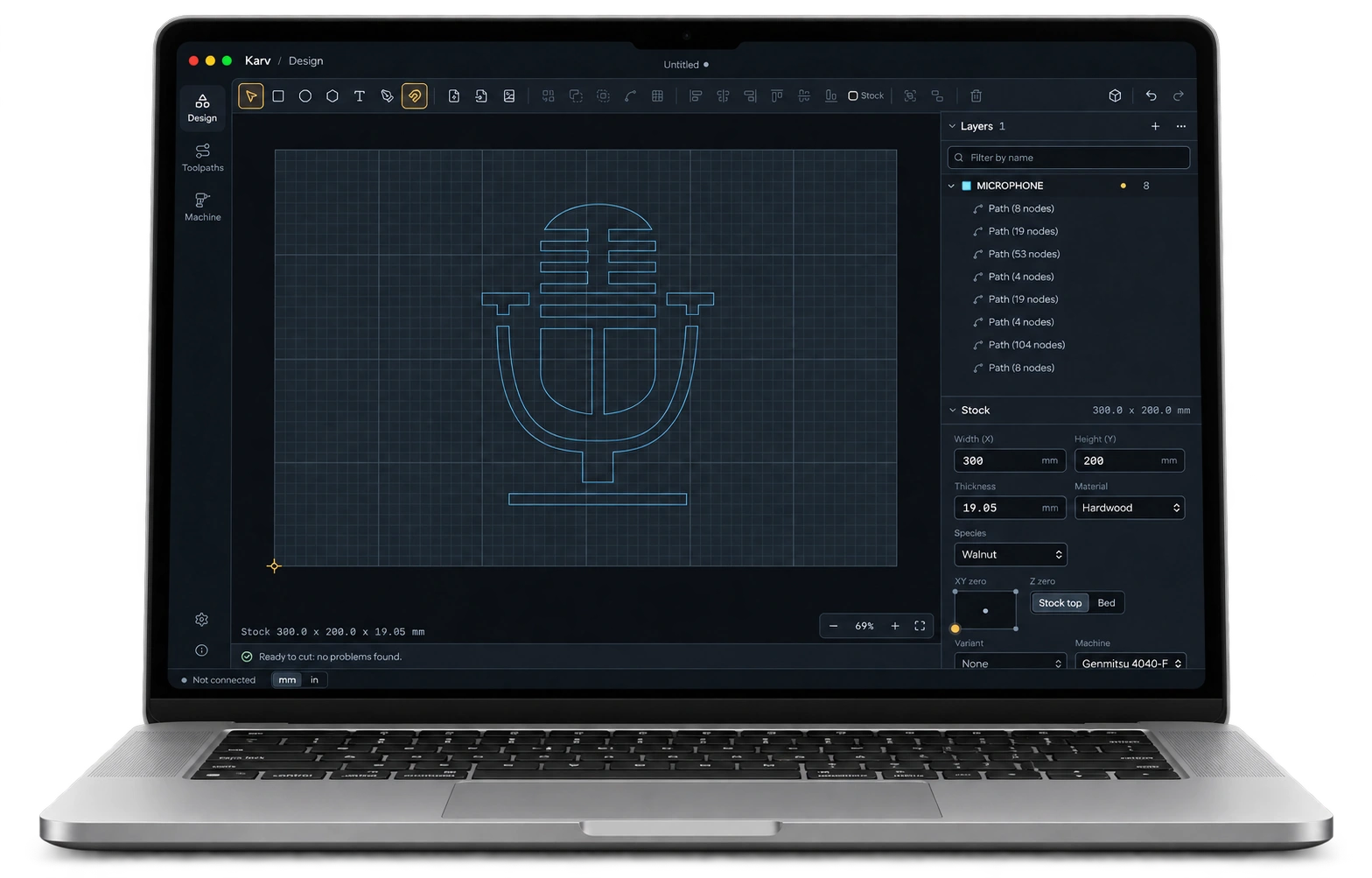
Follow one project from the first drawing to the machine workspace, with your design, stock, and toolpaths together.
Send the job. Keep the order.
Group toolpaths automatically by bit, or arrange groups around layers and shapes for separate pieces of stock. Karv turns each enabled group into a job in an ordered GRBL queue.
- V-carve
- Change bit & re-zero
- Downcut
Change bits, re-zero, or set up the next piece of stock. Start the next step when you’re ready.
Built for Mac. Ready for the workshop.
Design, plan, and preview locally on your Mac. Karv runs natively on Apple Silicon and Intel, with familiar Mac menus, keyboard shortcuts, and file dialogs.
Windows users, we’ve saved you a spot at the bench. Your version is coming soon.
Change the design. Keep your place.
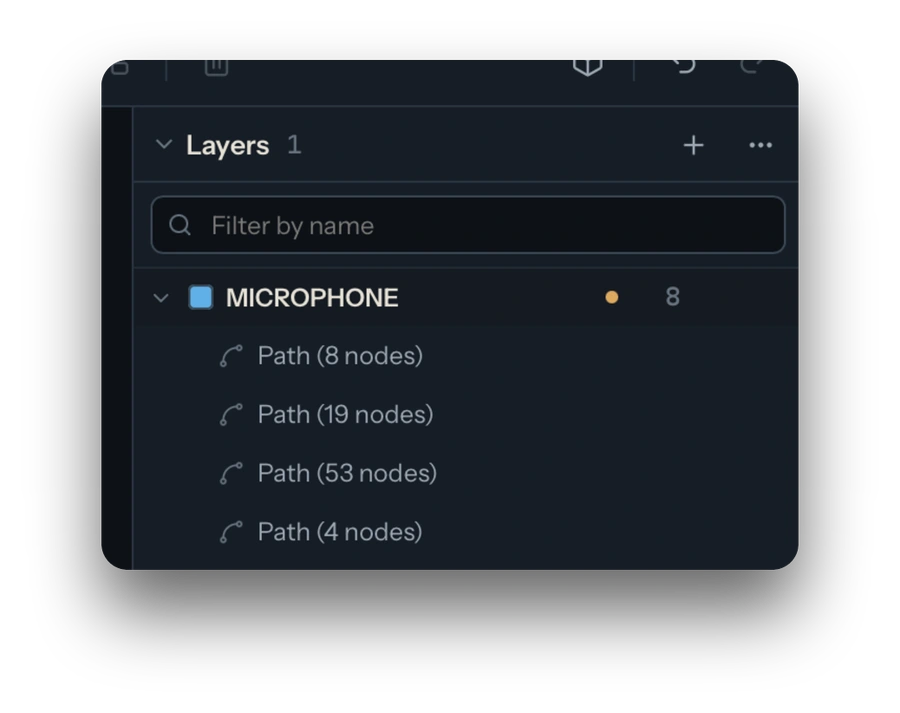
Refine a curve or enter an exact dimension. Move objects between layers while preparing toolpaths. Resize the stock or switch between inches and millimeters with your objects still selected.
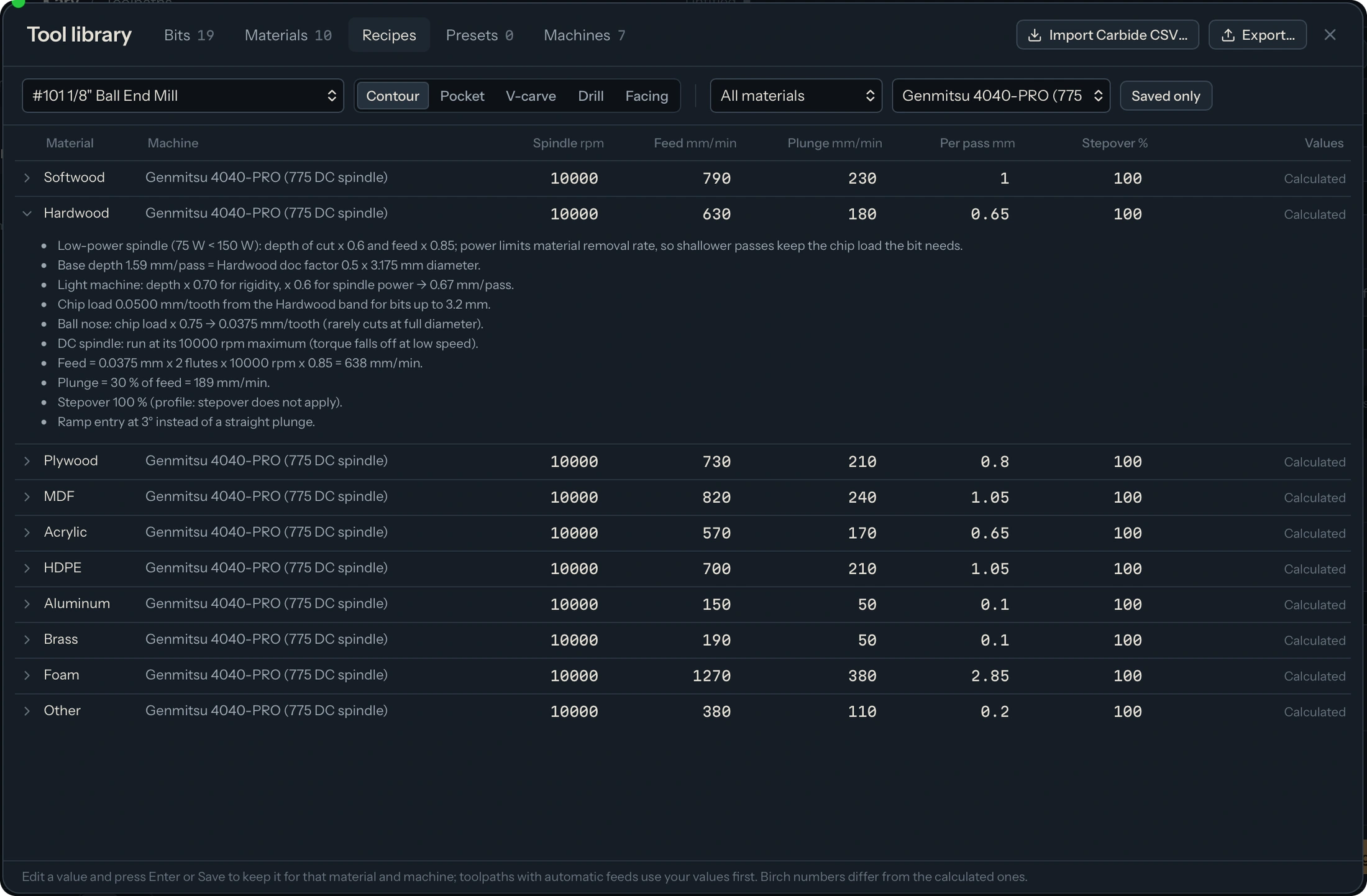
Settings for the setup in front of you.
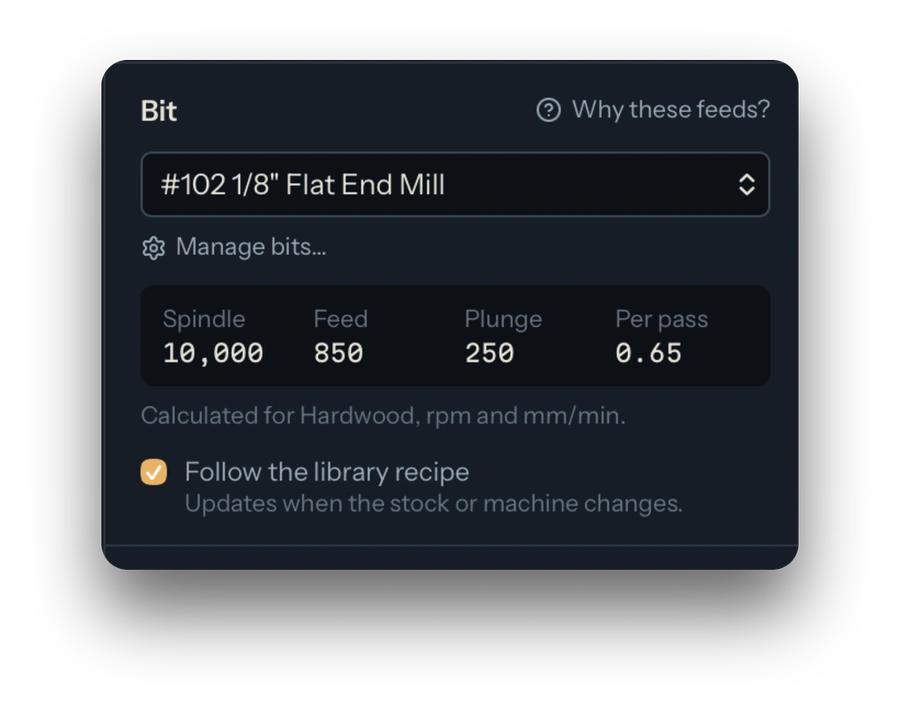
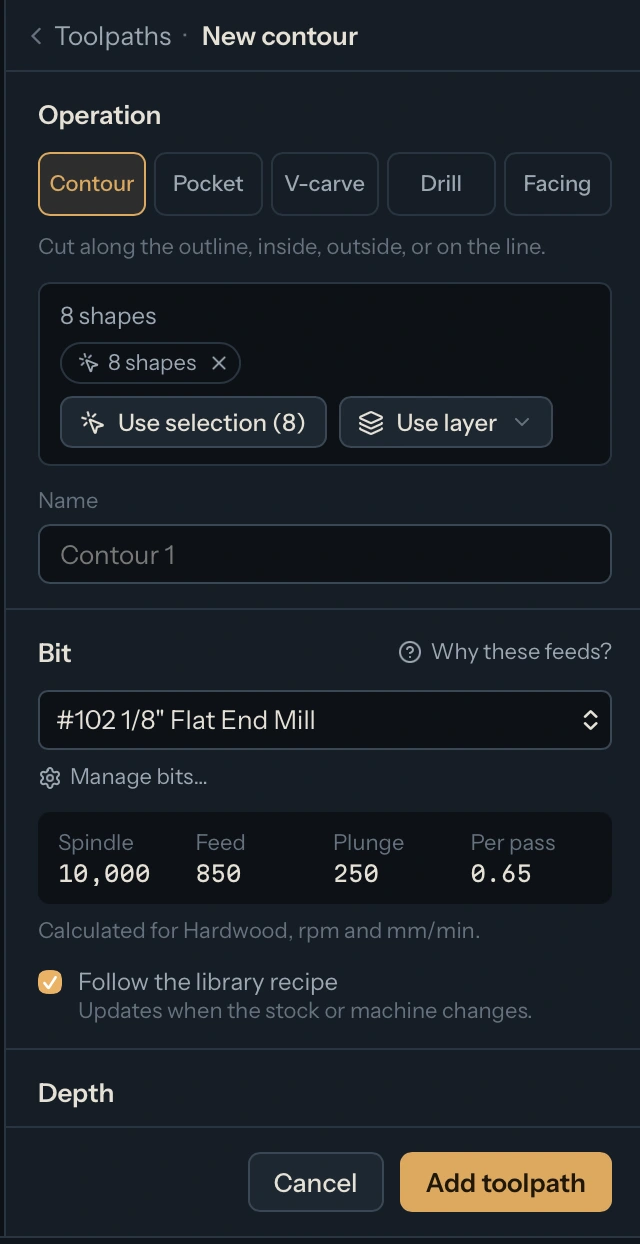
Choose your bit, material, and machine. Karv calculates starting cut settings and shows how it arrived at them. Make your own adjustments, then save a recipe to use again.
Give the project another dimension.
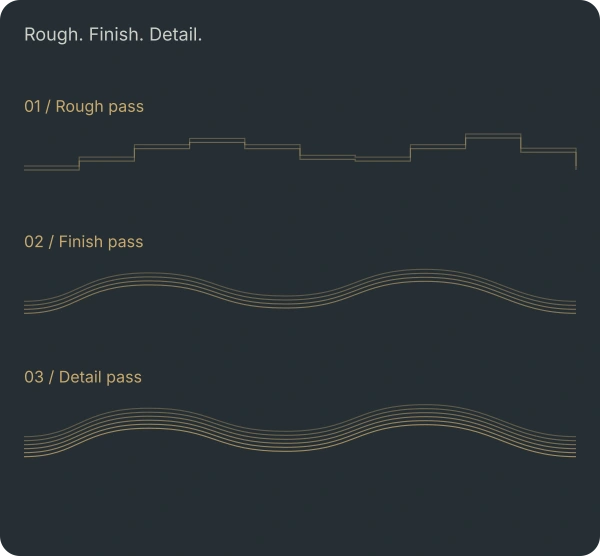
Bring in an STL or build a relief from your vectors. Position it against the stock, inspect a cross-section, and arrange rough, finish, and detail passes with the cutters you want to use.
Bring your agent into the project.
Connect an external agent through Karv’s command-line or MCP tools. Have it create or revise a design, organize layers and toolpaths, and save the project for you to review in Karv.
Create or revise → Save the project → Review in Karv
Will it fit your setup?
Karv runs locally on your computer. Use the built-in GRBL sender, or export G-code with one of Karv’s controller profiles. Open an existing .c2d design or bring in SVG and DXF geometry.
GRBL sender
G-code export
SVG · DXF · .c2d
Your next project starts here.
Download Karv and give your next idea a place to take shape.
Download KarvFree to download. Free to use.
Help support Karv’s development.
Karv Community
Help shape what comes next.
Get early access, share feature requests, and swap ideas in the private Karv community.
Karv stays free. Membership is optional.